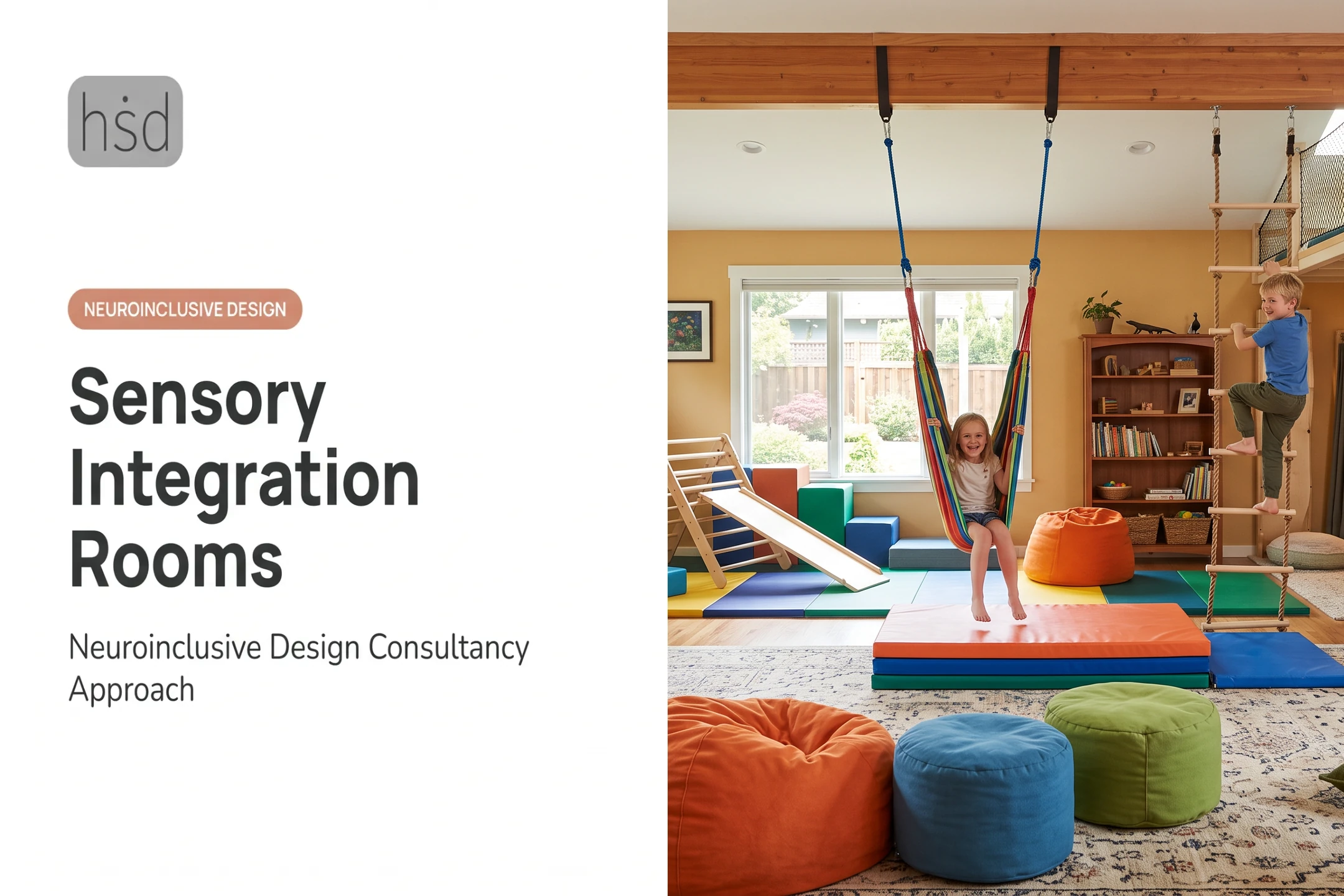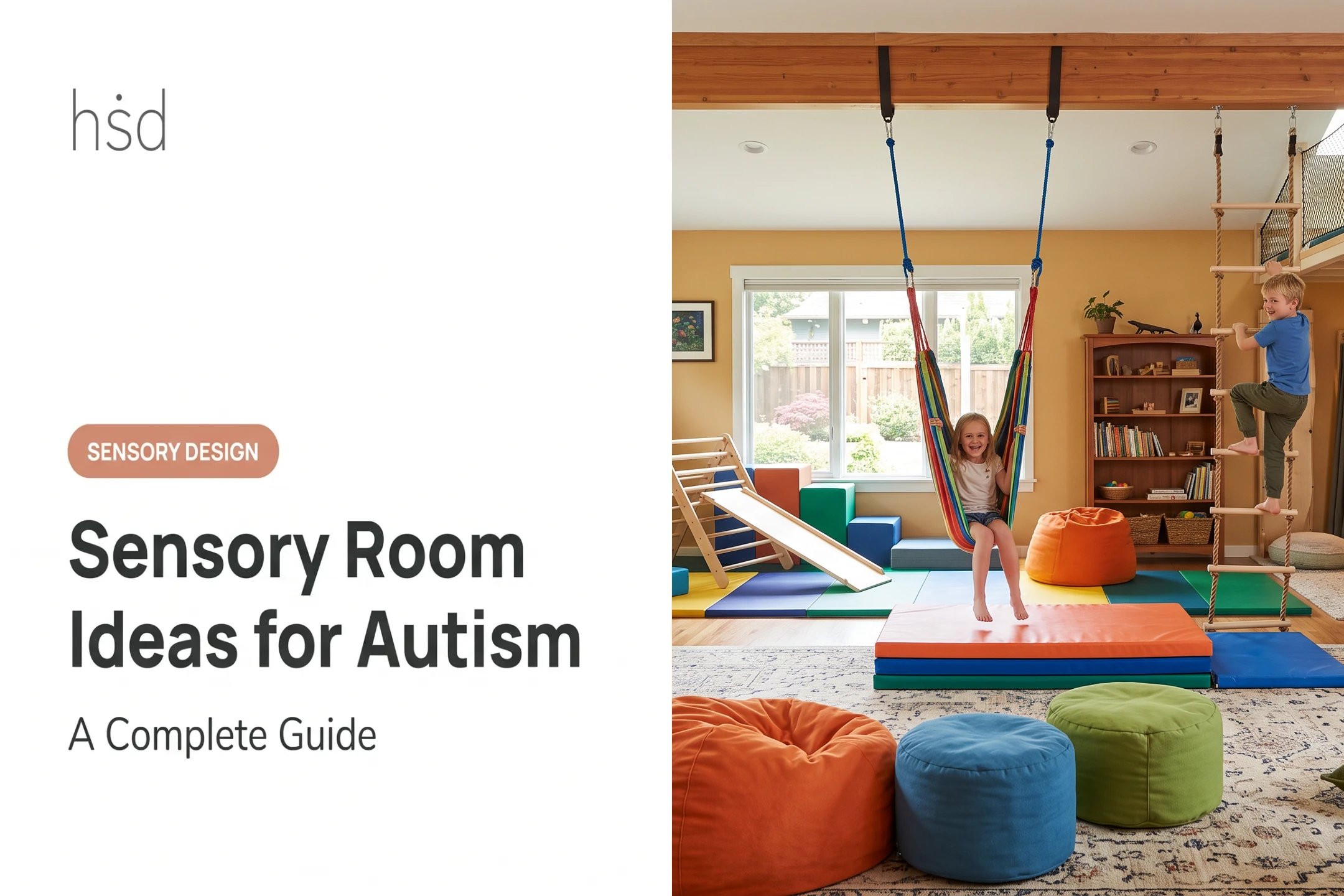

That's a common misconception. A thoughtfully arranged corner, a rolling cart, or a foldable nook can do the same job as a dedicated room, provided it's designed around real needs.
This guide covers what a sensory area actually is, how to plan one, ideas organized by purpose and sense, where these spaces work best, and the safety details worth getting right from the start.
Key Takeaways
- Design around a specific person's preferences, routines, and goals, not a generic product checklist
- Choose an active, calming, or hybrid setup, and give the user control over sensory input
- Prioritize predictable layout, safe materials, adjustable lighting and sound, and easy supervision
- Use the space to complement clinical, educational, or workplace support—not replace it
What Is a Sensory Area? Definition, Purpose, and Benefits
A sensory area is any intentionally designed zone that gives someone access to selected sensory input, or relief from unwanted stimulation. It's a broader concept than a "sensory room," and the distinction matters when you're planning.
Sensory Room vs. Sensory Area
A sensory room is typically a dedicated, enclosed space built or renovated for that single purpose. A sensory area can live inside an existing room, a shared classroom, a corner of an office, or even a portable kit that travels with the person who needs it.
A 2022 participatory study on sensory-friendly zones found that autistic youth and their mentors valued zones integrated into everyday public and institutional spaces, marked with clear signage, over a single isolated room.
Participants also reported that even a small space or a brief period of access could be helpful, though a quiet zone alone doesn't remove every participation barrier.
A sensory area may touch on several sensory systems, not just the classic five:
- Visual, auditory, tactile, olfactory, and gustatory input
- Vestibular (balance and movement) and proprioceptive (body position) input
- Interoceptive awareness, meaning internal body cues like hunger or heart rate
Not every area needs to address every sense. Most work well when they focus on two or three that matter to the person using them.
Who Sensory Areas Can Support
Children, adults, highly sensitive people, and neurodivergent people can all benefit. These spaces show up in homes, schools, clinics, workplaces, and community buildings alike.
Sensory areas generally serve three broad purposes:
- Calming and decompression
- Active or organizing input
- Transition support before or after learning, work, therapy, travel, or social activities
What counts as helpful shifts by person, environment, time of day, stress level, and familiarity, so avoid sorting everyone into rigid "seeker" or "avoider" categories.
Done well, a sensory area might help someone access a quieter environment, notice their own regulation cues, choose a strategy that works, or return to an activity with more readiness. These are functional, individual outcomes, not guaranteed clinical results.
How to Plan a Sensory Area Around Real Needs
Skip the product list and start with observation. Watch what actually happens in daily routines:
- Situations that cause discomfort or overload
- Preferred movement, pressure, or seating positions
- Sounds, lighting, or smells that distract
- Calming strategies that already work
Then set one to three concrete goals. Useful goals often look like:
- Offering a predictable break during a school day
- Supporting a transition between activities or environments
- Providing movement before focused work begins
- Reducing visual distraction in a shared space
- Giving someone more control over the input they receive
Choosing a Layout
Decide whether the space should be active, calming, or hybrid:
- Active — prioritizes movement and organizing input
- Calming — prioritizes decompression and lower stimulation
- Hybrid — offers both in clear zones; usually best for shared or multi-user spaces
Build in predictability so the space feels reliable every time:
- Visible storage and a consistent spot for every item
- Simple instructions and adjustable features
- Visual schedules or timers when users need clear expectations
Map the full sequence: how someone enters, chooses an activity, uses the space, and leaves. A short transition zone between high stimulation and ordinary room conditions softens re-entry and avoids a jarring shift.

Addressing the Physical Space
Location matters as much as furnishings. Place the area away from unavoidable noise, glare, strong odors, and busy foot traffic when you can.
Check the room conditions that decide whether people actually use the space:
- Acoustics and flooring
- Wall treatments and lighting control
- Ventilation, temperature, and cleaning needs
- Clear floor area for mobility devices or a support person
Multi-user spaces and full renovations add another layer: competing sensory profiles, circulation, and finish choices have to work together. A professional consultation can turn those constraints into a clear layout and material plan. Highly Sensitive Design offers personalized, multidisciplinary guidance for projects that outgrow a simple furniture rearrange—practical support when the scope gets complex, not a clinical requirement.
Sensory Area Ideas by Purpose and Sense
Once goals are set, the specific features become clearer. Use the categories below to match features to purpose and sense.
Active and Movement-Based Ideas
Movement options give the body a way to organize and release energy:
- Clear stretch zone or floor cushions for grounding
- Balance activity, resistance-based movement, or dance space
- Designated walking route for pacing
Choose activities based on ability, preference, and supervision needs. Separate movement-heavy features from quiet zones using floor markings, furniture, or soft physical boundaries so it's obvious where each type of input happens.
Calming and Decompression Ideas
A calming setup usually includes a comfortable seat or floor-level option, adjustable lighting, reduced visual clutter, and sound-dampening materials.
Avoid treating darkness, silence, weighted products, or any single tool as universally calming. What settles one person can overstimulate another.
User-controlled features work best:
- Dimmer switches or lamps instead of fixed overhead lighting
- Headphones, when appropriate for the individual
- Curtains or privacy screens
- A choice between multiple seating positions
Some equipment, particularly weighted items, needs individualized guidance and a safety check first.
Tactile and Hands-On Ideas
Hands-on input can come from:
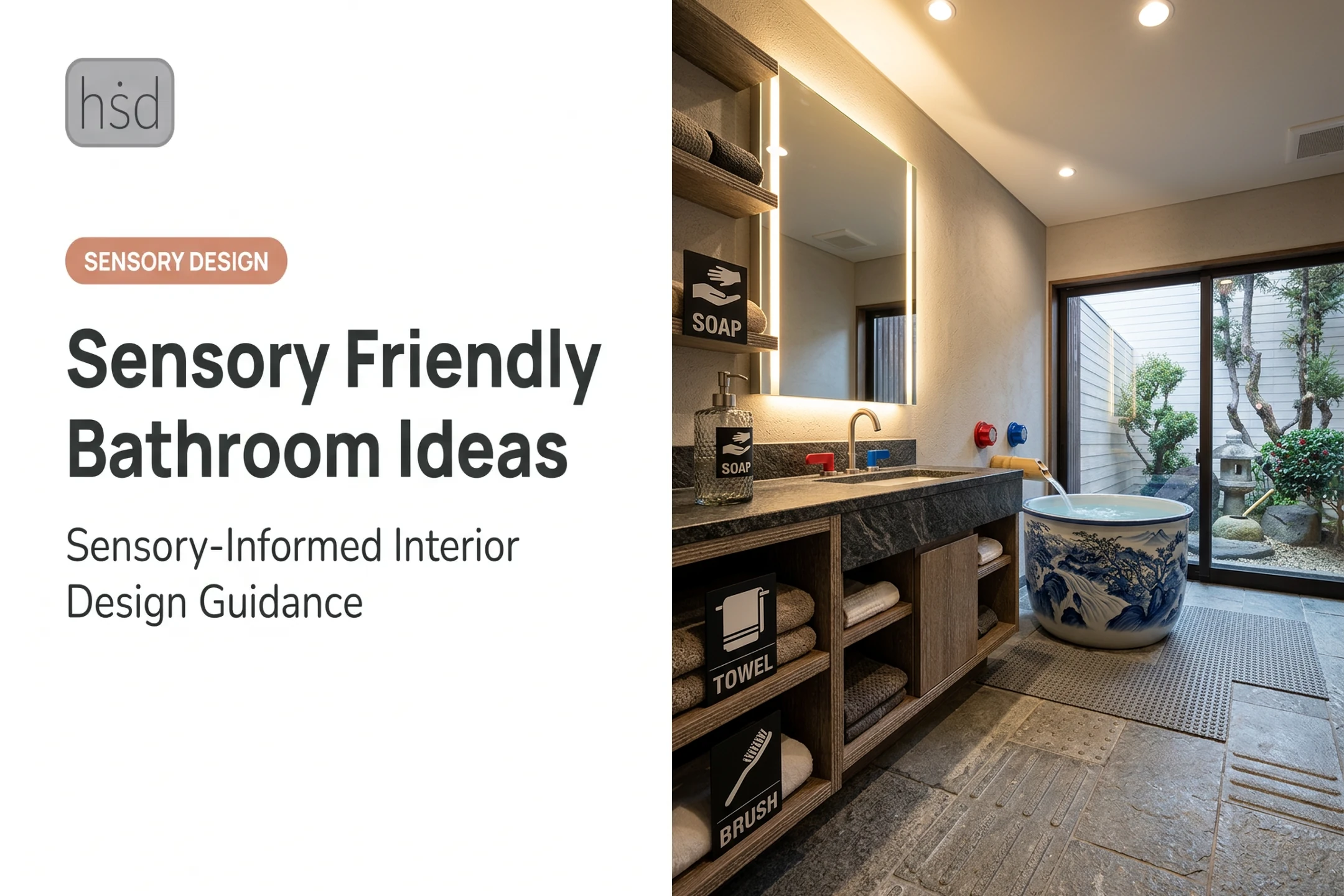
- Varied fabrics and textured panels
- Fidgets and tactile bins
- Natural materials and art supplies
Provide both a preferred texture and an optional one, and never force interaction with a tactile item.
Run these practical checks before you add anything:
- Allergy triggers
- Choking hazards with small parts
- Hygiene and cleaning needs
- Material durability
Skip anything that could be distressing or unsafe for the person using the space.
Visual and Auditory Ideas
Predictable, adjustable visual features work better than busy or flashing ones:
- Low-glare lamps
- Simple color scheme
- Clear visual boundaries
- One or two slow-moving visual objects (not an uncontrolled display)
For sound, prioritize control and choice:
- Acoustic treatment
- Quiet policy where needed
- Sound-level control
- Access to preferred audio
Music and white noise should always be optional, never automatic.
Portable and Low-Cost Ideas
A sensory kit, basket, rolling cart, or foldable corner can deliver most of the same benefits as a built-in space:
- Pick a handful of items tied directly to stated goals
- Add a visual choice board so the person can select independently
- Assign one consistent storage location

Test one change at a time, watch the response, and remove anything that adds clutter or unwanted stimulation. Function beats price or quantity every time.
Where Can You Create a Sensory Area?
Sensory areas fit into more environments than most people expect.
Home Sensory Areas
Common home spots include:
- Bedrooms and living rooms
- Homework corners and entryways
- A portable travel kit for on-the-go regulation
Use existing furniture, curtains, rugs, or storage bins rather than permanently altering the space.
Set clear rules for when the area is available, how it gets reset, and how family members signal they need privacy or a break. That keeps the household routine intact.
Schools, Therapy Settings, and Workplaces
Classroom calming corners, clinic waiting areas, staff break spaces, and workplace reset zones all benefit from a clear purpose, privacy, and dignity for the user.
A 2022 WestEd guide on calming spaces recommends voluntary use, never as punishment. Soft seating, headphones or music, and flexible timing help, since some students need only a few minutes.
Involve the actual users and relevant staff in planning. A space designed with someone, rather than at them, is far more likely to support participation instead of isolating the person who uses it.
Public and Community Environments
Libraries, museums, theaters, airports, and civic buildings increasingly offer sensory rooms or zones. A single room rarely meets every visitor's needs.
Institutional demand is scaling fast. Chicago Public Schools recently invested $1.3 million across 22 schools to add sensory rooms serving roughly 1,500 students with disabilities. Public and community spaces should prioritize:

- Clear wayfinding and signage
- Reasonable capacity limits and regular cleaning
- Companion seating and emergency procedures
- Information about access, not just one fixed setup
Safety, Accessibility, and Ongoing Evaluation
Good intentions don't replace basic safety checks. Cover these fundamentals before the space opens for use:
- Secure furniture and any wall-mounted equipment against tipping
- Keep walkways clear and materials age- and ability-appropriate
- Confirm electrical safety, ventilation, and non-toxic finishes
- Match supervision level to the specific user and activity
The Consumer Product Safety Commission's Anchor It campaign recommends anti-tip brackets on top-heavy furniture and installing any supplied anti-tip devices right away—a quick install that can prevent tip-over injuries.
Introduce intense features carefully. Deep pressure tools, weighted items, restrictive equipment, scents, food, and flashing lights all need individual consideration for contraindications, allergies, and communication ability before they go into the space.
Accessibility deserves its own checklist:
- Wheelchair and mobility-device clearance and transfer space
- Sufficient visual contrast and appropriate reach ranges
- Hearing access and adjustable lighting sensitivity
- The ability to enter or leave without needing assistance
Set simple ground rules so the space stays supportive:
- Never use the space as punishment or reward
- Let users communicate when they want to leave
- Return equipment safely after each use
- Train staff or caregivers to respond if distress increases
Those rules only work if you keep checking the space after launch. Track feedback, observed comfort, frequency of use, maintenance issues, and whether the original goals are still being met.
Needs change with age, routines, and environments, so plan to revisit the setup rather than treating it as finished.
For larger or multi-user projects, Highly Sensitive Design works with project teams to turn sensory, cognitive, behavioral, functional, environmental, and aesthetic requirements into one cohesive plan for homes, schools, healthcare settings, workplaces, and community spaces.
Frequently Asked Questions
What is a sensory area?
A sensory area is an intentionally arranged zone that offers selected sensory input or relief from unwanted stimulation. It can range from a small corner to a fully dedicated room.
What is the difference between a sensory room and a sensory area?
A sensory room is usually a dedicated, enclosed space built for that purpose alone. A sensory area can exist inside an existing room, a shared setting, a portable kit, or even an outdoor space.
Who can benefit from a sensory area?
Children and adults with varied sensory preferences may benefit, including highly sensitive and neurodivergent people. The design should follow individual needs, not assumptions based on a diagnosis.
What should be included in a sensory area?
Only include features tied to the user's actual goals, such as adjustable lighting, comfortable seating, movement options, tactile tools, acoustic support, or visual structure. More items don't mean a better outcome.
How do I create a sensory area in a small space?
A defined corner, rolling cart, foldable screen, or a simple storage system can all work well. Focus on clear boundaries, easy access, and keeping clutter to a minimum.
Are sensory areas only for autistic children?
No. Sensory areas can support people across a wide range of sensory preferences and needs, including adults and highly sensitive individuals. They offer comfort and support, not treatment or guaranteed outcomes.