
Introduction
A sensory room's visuals can calm someone, pull them in, or tip them into overload. That outcome rarely hinges on how colorful or high-tech the room looks. It hinges on whether the visuals match the person using them.
Many parents, educators, and clinicians assume a "sensory room" needs bubble tubes, projectors, and fiber-optic lights stacked together. A plain wall and a dimmer switch can do more good than a room full of equipment nobody controls.
This guide is for parents, educators, therapists, schools, clinics, and organizations building sensory-aware spaces for children or adults. We'll cover:
- Visual design principles backed by research
- Ideas organized by sensory purpose
- How to match visuals to specific users and spaces
- Practical safety and maintenance checks
Start with the design principles that keep visuals helpful instead of overwhelming.
Key Takeaways
- Choose visuals based on the individual's sensory profile, not a generic checklist
- Prioritize adjustable, predictable, low-glare features with easy on/off control
- Balance calming elements with optional interactive ones and keep sightlines open
- Watch how the user responds, then adjust — one setup won't work for everyone
What Makes Visual Design Effective in a Sensory Room?
Visual input can support attention, orientation, relaxation, or emotional regulation. It can also trigger overload in seconds. The same flickering LED strip that fascinates one child might send another straight to the floor covering their eyes.
A 2021 qualitative study of 18 autistic adults found recurring difficulty with bright, flickering, or fluorescent lighting, repetitive striped patterns, fine visual detail, and visual clutter — but responses varied significantly from person to person (Parmar et al., 2021, Frontiers in Psychology). There's no single "safe" visual profile that works across the board.

Calming vs. Stimulating Visuals
Calming and stimulating visuals are both tools, and both need to stay optional:
- Calming visuals: slow-moving projections, gentle fiber-optic color shifts, static nature scenes
- Stimulating visuals: rapidly changing lights, high-contrast patterns, fast bubble tube activity
Neither is inherently better. A child who seeks visual input may find slow projections boring, while a child who avoids input may find fast lights unbearable.
Because responses differ so widely, assess the sensory load of each feature before you install it.
Qualities Worth Assessing Before Installing Anything
- Brightness and glare
- Contrast and color intensity
- Movement speed and predictability
- Reflectivity of surfaces
- Sound produced by the equipment itself
- Whether the user can control the feature independently
Every room also needs a visual rest area: a plain wall, matte finish, and softer color palette where eyes can simply stop working.
Test every visual feature at the user's actual eye level and from different seating or mobility positions. Glare and blocked sightlines are easy to miss from a standing view, and independent control only helps if the feature is usable from where the person actually sits or lies.
Sensory Room Visuals: Design Ideas by Purpose
Rather than picking a theme, build the room around what the visuals need to accomplish.
Low-Stimulation Foundation
Start here regardless of who's using the room:
- Dimmable or layered lighting instead of one harsh overhead fixture
- Matte finishes to cut reflectivity
- Neutral or nature-inspired colors
- Curtains or shades to control daylight
- One clear wall or corner with nothing on it
Gentle Visual Engagement
Once the foundation is set, add optional layers:
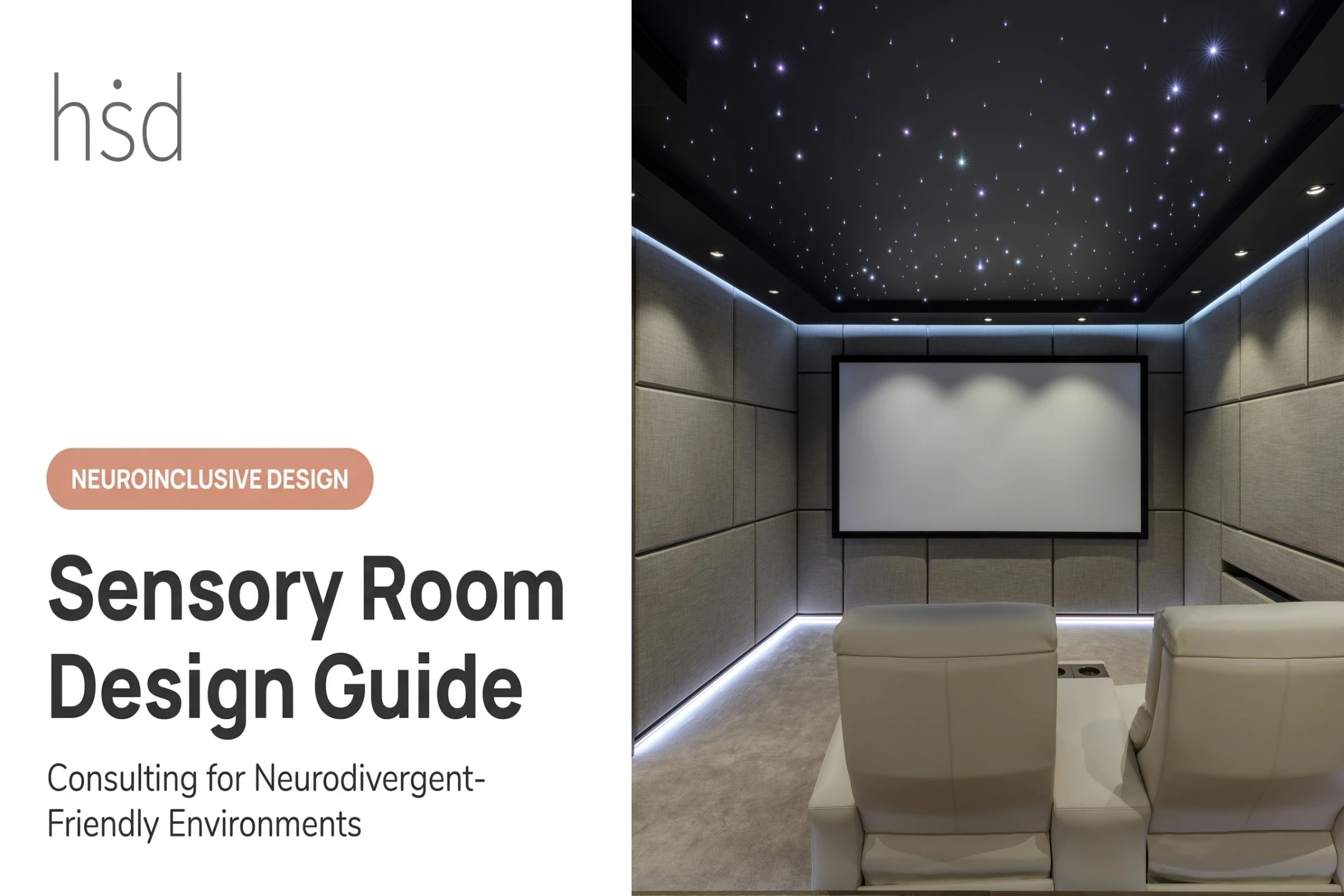
- Slow, predictable projections
- Soft fiber-optic lighting with adjustable brightness
- Bubble columns that can be paused
- Color-changing elements set to gradual transitions, not strobing
Every feature here should have a pause or off setting. If it can't be turned down, it doesn't belong in this zone.
Interactive Visual Features
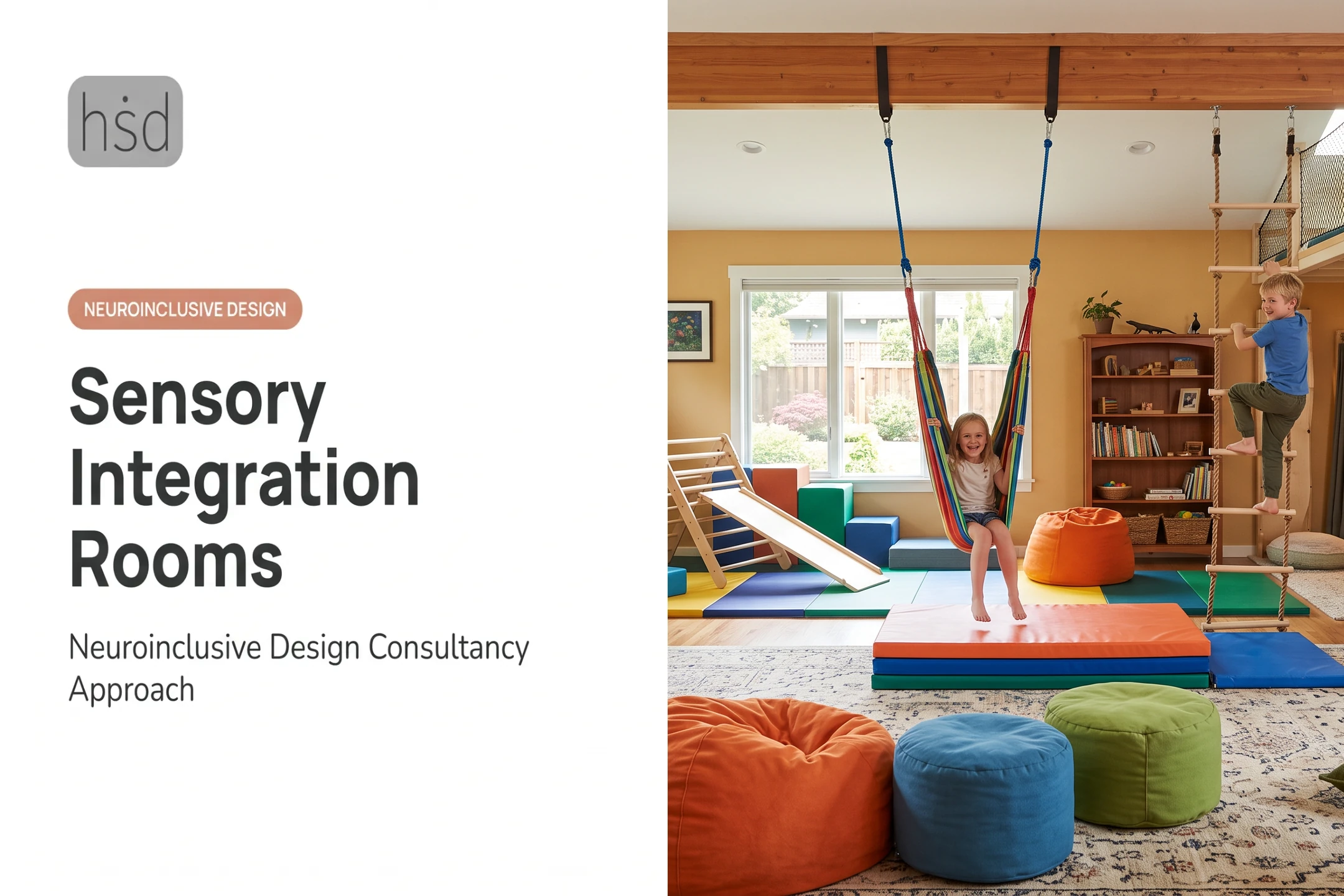
Add engagement on purpose, not on every wall:
- Cause-and-effect lights
- Responsive wall panels
- Light tables
- Mirrors
- Projection surfaces
A 2021 study of multi-sensory environments with 41 autistic children found that giving kids direct control over equipment (via iPad or physical press) changed attention and repetitive behavior patterns, even though anxiety and arousal measures did not shift much (Unwin et al., 2021).
Control matters more than quantity.
Orientation and Communication Visuals
These supports are functional, not decorative:
- Visual schedules and first-then boards
- Choice boards
- Emotion or regulation scales
- Timers
- Clearly labeled storage
The UNC AFIRM Team notes these supports work best when used consistently across home, classroom, and clinic settings, not just inside the sensory room.
Nature-Inspired and Themed Concepts
Themes are optional once the functional layers are in place. Ocean, forest, sky, or space accents can reflect personal interests, but keep them removable or limited. A themed room slides into visual clutter fast if every surface gets decorated.
Zoning Between Active and Calm Areas
Use lighting direction, subtle color shifts, and open floor space to signal a transition, not walls or hard boundaries. Keep controls in the same spot every time so users always know where to find them.
One caution: don't assume any color or theme is universally calming. Watch the actual response. A blue ocean theme soothes some people and does nothing for others.
How to Match Visuals to the User and the Space
Visual Avoiders
For someone who avoids visual input, prioritize:
- Low brightness and nonreflective materials
- Simple surfaces with minimal pattern
- A retreat position with fewer sightlines into the room
This doesn't mean the room should feel empty or clinical. Preserve some choice: even a visual avoider may want one small, controllable feature available on their terms.
Visual Seekers
For someone who seeks visual input, provide controlled opportunities for:
- Movement, color, and visual tracking
- Adjustable intensity settings
- Features the user can approach by choice
Sensory-seeking and sensory-avoiding patterns can shift with context. Build a calm reset area nearby regardless of the primary profile, as supported by participatory research on sensory-friendly zones.
Children vs. Adults
| Consideration | Children | Adults |
|---|---|---|
| Schedules/labels | Simple, icon-based | Text or minimal cues |
| Interactive features | Developmentally appropriate | Purposeful, not "toy-like" |
| Aesthetics | Playful, flexible | Respectful, adult-scale design |
| Privacy | Supervised access | Independent, private use |
Home Corner vs. Institutional Room
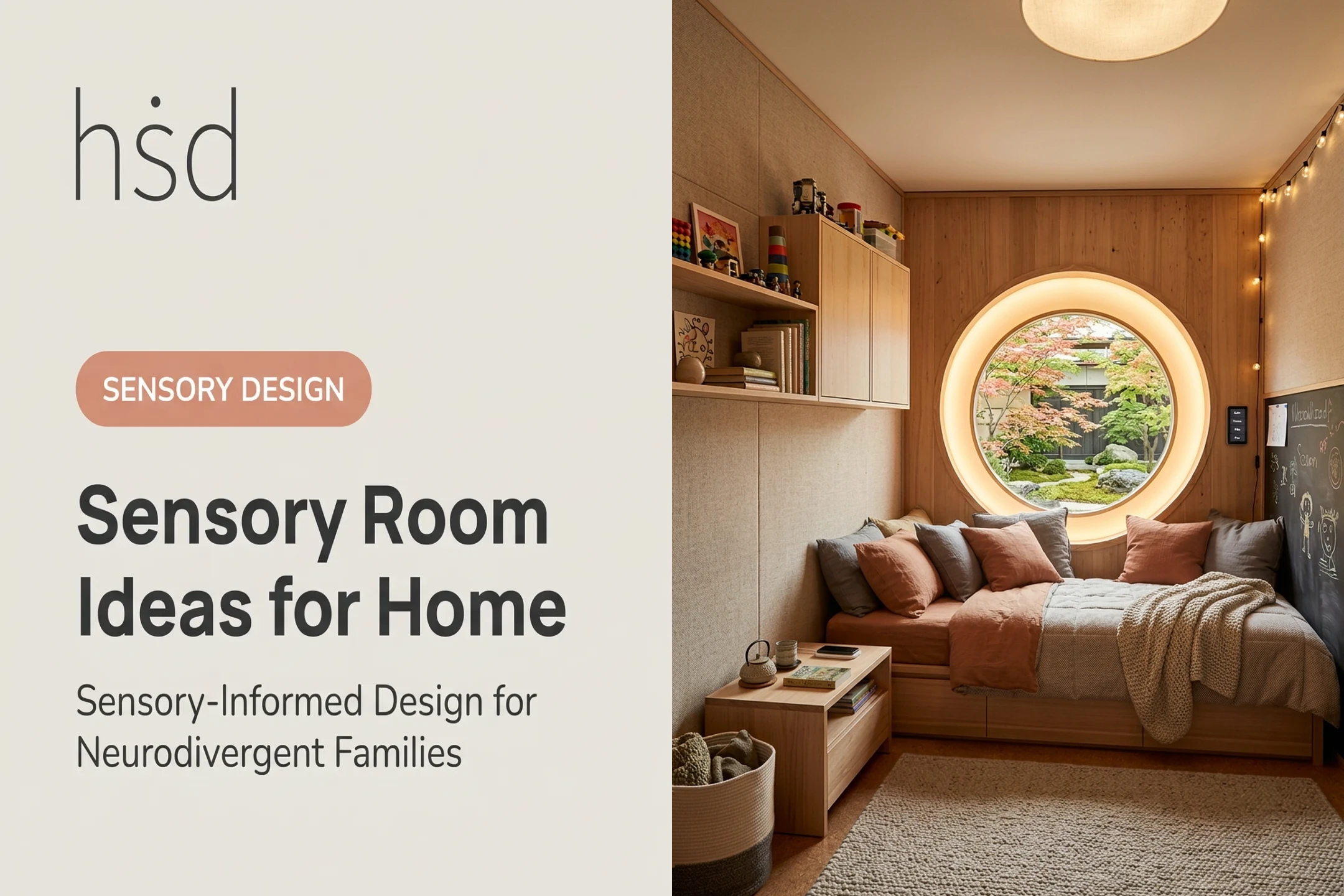
A small home sensory corner benefits from portable, easy-to-store elements: a rolled-up mat, a basket of visual tools, and a single dimmable lamp.
A classroom, clinic, or community sensory room needs durable, multi-user features that hold up to repeated use and cleaning.
Example scenario: A single classroom sensory corner can serve two purposes without needing two rooms. One side has a plain mat, dim lighting, and no equipment — a pure retreat. The other side has a small light table with adjustable brightness, positioned so a student chooses to approach it rather than being surrounded by it.

Planning, Safety, and Maintenance Considerations
Start With a Visual Audit
Before buying anything, document:
- Natural light patterns throughout the day
- Glare sources and reflective surfaces
- Background clutter and distracting movement
- Available wall space and electrical access
- The user's primary viewing and seating positions
Build in Control and Choice
- Dimmers and remotes so intensity can change without rebuilding the setup
- Accessible switches placed within the user's reach
- Curtains and removable overlays to cut glare or simplify the field of view
- Storage for tools that stay out of sight until they're needed
Physical Safety Basics
Flashing or rapidly changing visuals deserve real caution. Web accessibility guidance sets a clear threshold: content shouldn't flash more than three times per second, and any flash shouldn't cover more than a quarter of a typical viewing area (W3C WCAG 2.1).

That standard was written for screens, but it is a useful benchmark for projectors and light features in a sensory room. Treat flashing visuals as conditional, not universally safe:
- Follow manufacturer guidance for every light or projection product
- In shared or institutional spaces, check accessibility standards for mounted equipment, cords, and mirrors
- Avoid presenting any flash pattern as safe for every user
Light and motion load is only one part of stimulus control. The CDC recommends reducing background distractions and giving advance warning before transitions, and notes that what helps one child can distract another entirely (CDC ADHD classroom guidance).
Maintenance in Shared Settings
- Wipe down projectors, light panels, and high-touch controls between users
- Check mirrors and bubble tubes for cracks or wear regularly
- Launder or spot-clean soft furnishings on a schedule, not just when visibly dirty
Introduce Visuals With Observation
Document what the user chose, how long they used it, and any signs of overload such as covering eyes, agitation, withdrawal, or trouble transitioning away. Note whether they returned to a preferred activity afterward.
Frame room rules as supportive, not punitive, and make the steps visual so they work across communication styles:
- How to enter
- How to pick a tool
- How to adjust intensity
- How to take a break
- How to leave
For larger or more complex projects, Highly Sensitive Design helps project teams weigh sensory, cognitive, functional, environmental, and aesthetic needs together. The Brooklyn-based firm, founded by licensed architect Shell Li, AIA, offers personalized neurodivergent design consultation so schools, clinics, and design teams can turn these considerations into a workable multidisciplinary plan.
Frequently Asked Questions
What is the cost of setting up a sensory room?
Cost depends on room size, construction, lighting and visual equipment, furnishings, and accessibility needs. Build a phased budget: a small home corner and a multi-user clinic room sit at very different price points.
What is the best equipment for a sensory room?
There's no single "best" setup. Match visual tools, seating, and controls to the individual's sensory profile, goals, available space, and supervision plan.
What is another name for a sensory room?
Common alternatives include multisensory environment, calming room, regulation room, sensory corner, and quiet room. The right term usually depends on the setting and its intended use.
How do you choose calming visuals for a sensory room?
Check brightness, movement speed, predictability, color intensity, and glare, and give the user control over each factor. Then watch their actual response instead of assuming a visual will calm them.
Can visual stimulation be too much in a sensory room?
Yes. Signs include covering the eyes, agitation, withdrawal, or trouble transitioning away. Reduce intensity, remove competing stimuli, offer a rest area, and involve a qualified professional for complex needs.